

Blog
How to Claim ChatGPT Business Profiles

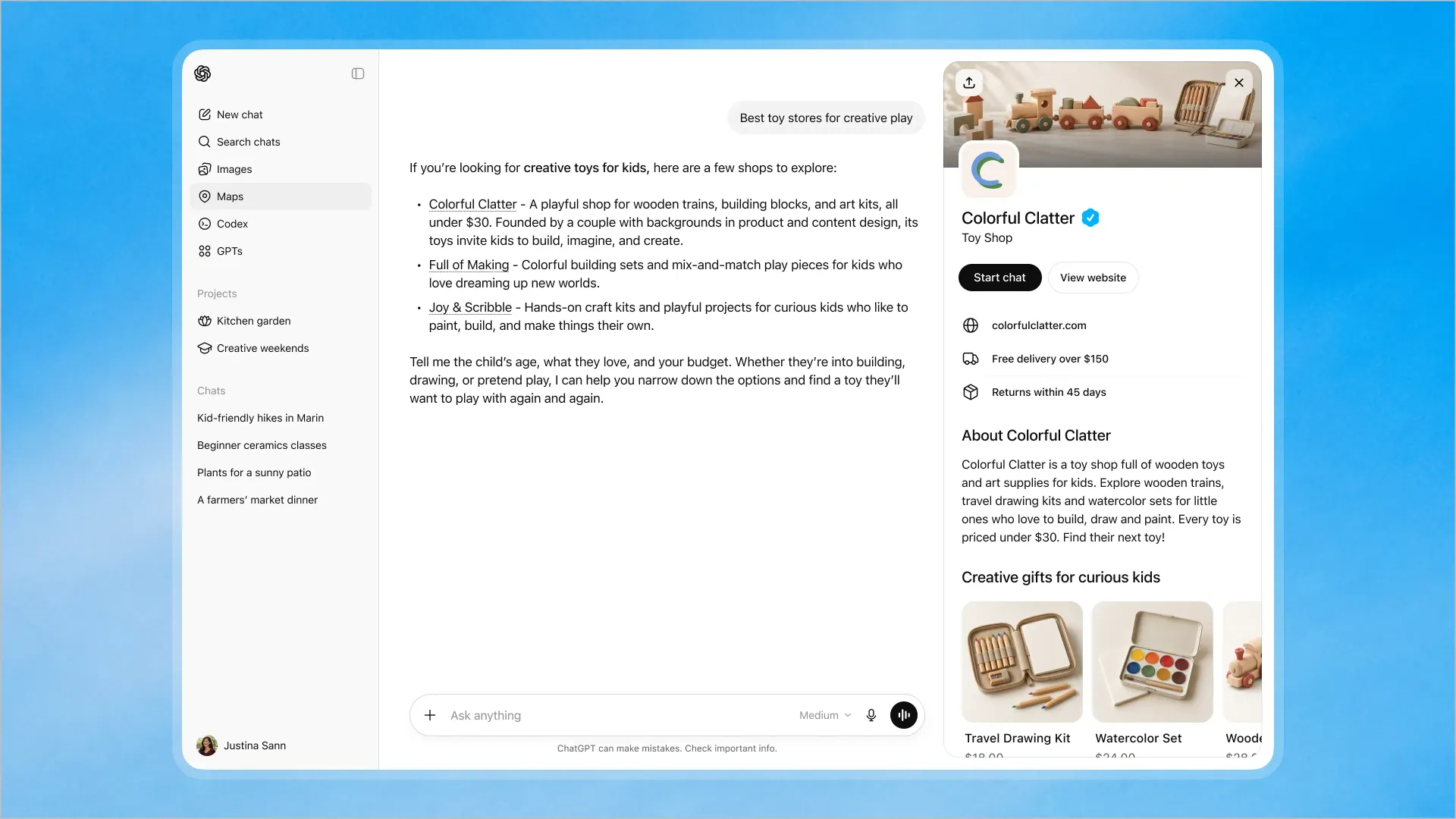
ChatGPT business profiles give small businesses a way to present accurate, useful information when people ask ChatGPT about local companies. After claiming a profile, you can review business details, keep them current, monitor available analytics, and manage how your brand appears in AI-powered discovery.
What are ChatGPT business profiles?
ChatGPT business profiles are business listings designed to help companies provide clearer information in AI search experiences. They can support visibility when potential customers ask about services, locations, hours, specialties, or businesses that fit a specific need.
For small businesses, this is another important part of managing an online presence. A profile does not replace your website, search engine optimization services , or other marketing channels. Instead, it adds another place where accurate business information can influence discovery and customer decisions.

How do you claim your business profile?
The launch of ChatGPT business profiles gives eligible businesses an opportunity to review and manage their presence directly. The exact claiming process may vary as the feature develops, but the typical workflow includes:

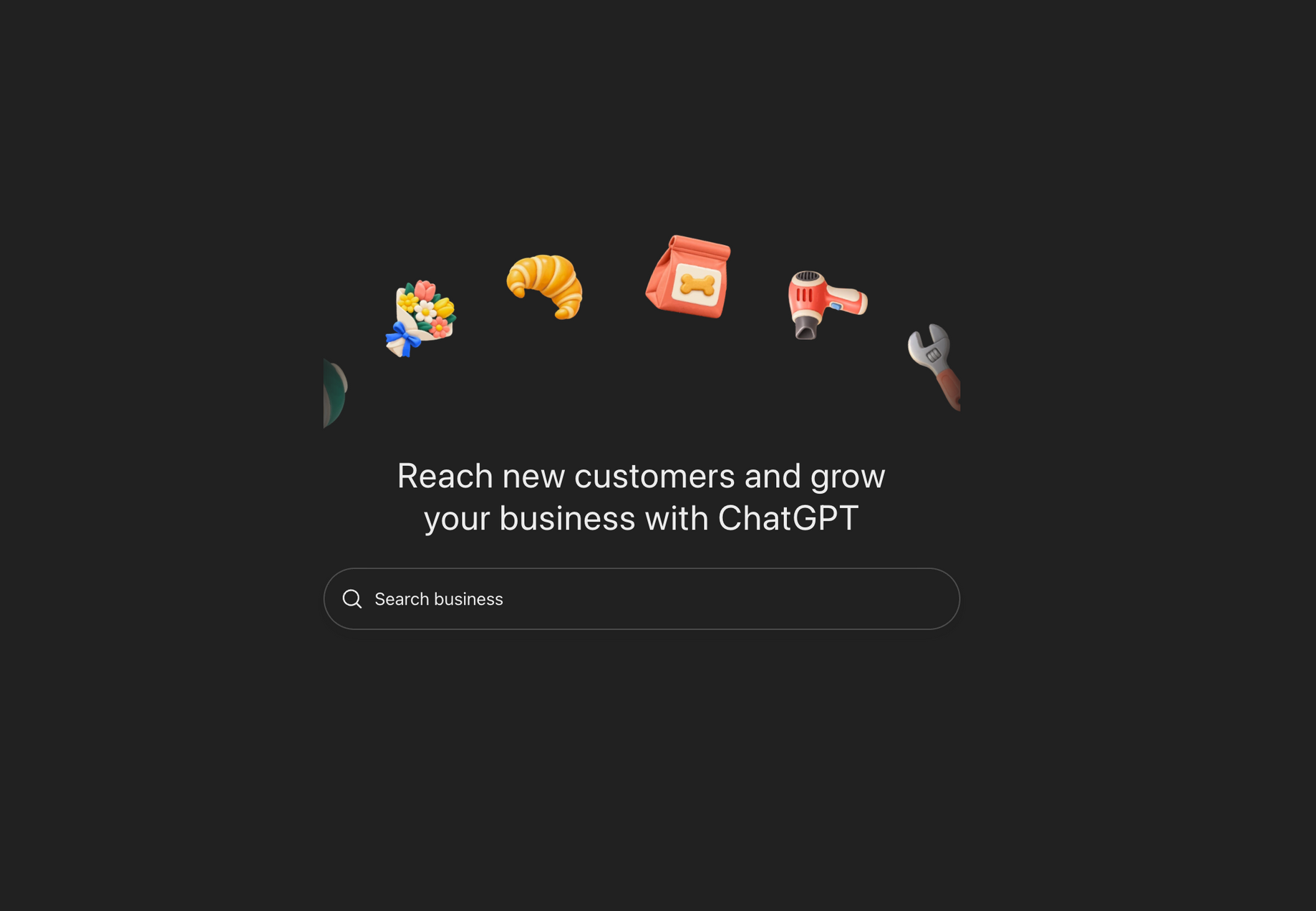
- Go to the ChatGPT Business hub here.
- Search for your business in ChatGPT or the available business-profile experience.
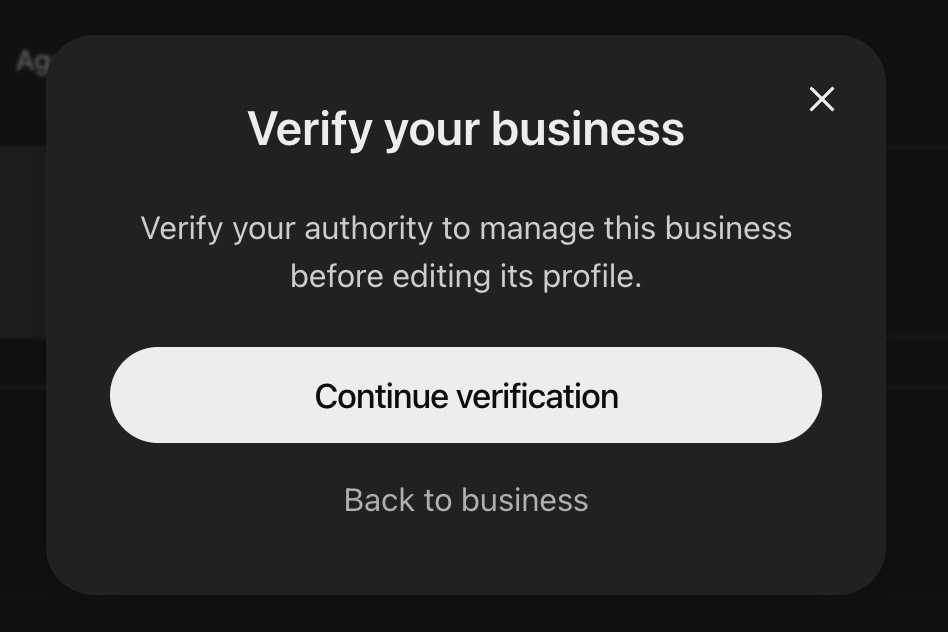
- Select the matching listing and verify that you are authorized to represent the business.
- Complete any requested verification steps.
- Review your business name, address, phone number, website, hours, category, and services.
- Submit your updates and save your profile.
Use consistent information across your website, Google Business Profile, social channels, and other directories. Consistency makes it easier for customers—and search and AI systems—to understand your business.
What information should you keep current?
Treat your ChatGPT business profile as an active marketing asset, not a one-time setup. Review it whenever your business changes, especially after:
- Updating your address, phone number, website, or hours
- Adding or removing services
- Changing your service area
- Launching a new offer or seasonal promotion
- Updating your brand description or business category
Clear, specific language helps potential customers understand what you do and whether you are a good fit. Avoid vague claims. Explain who you serve, what problems you solve, and what makes your business different.
How can you use profile analytics?
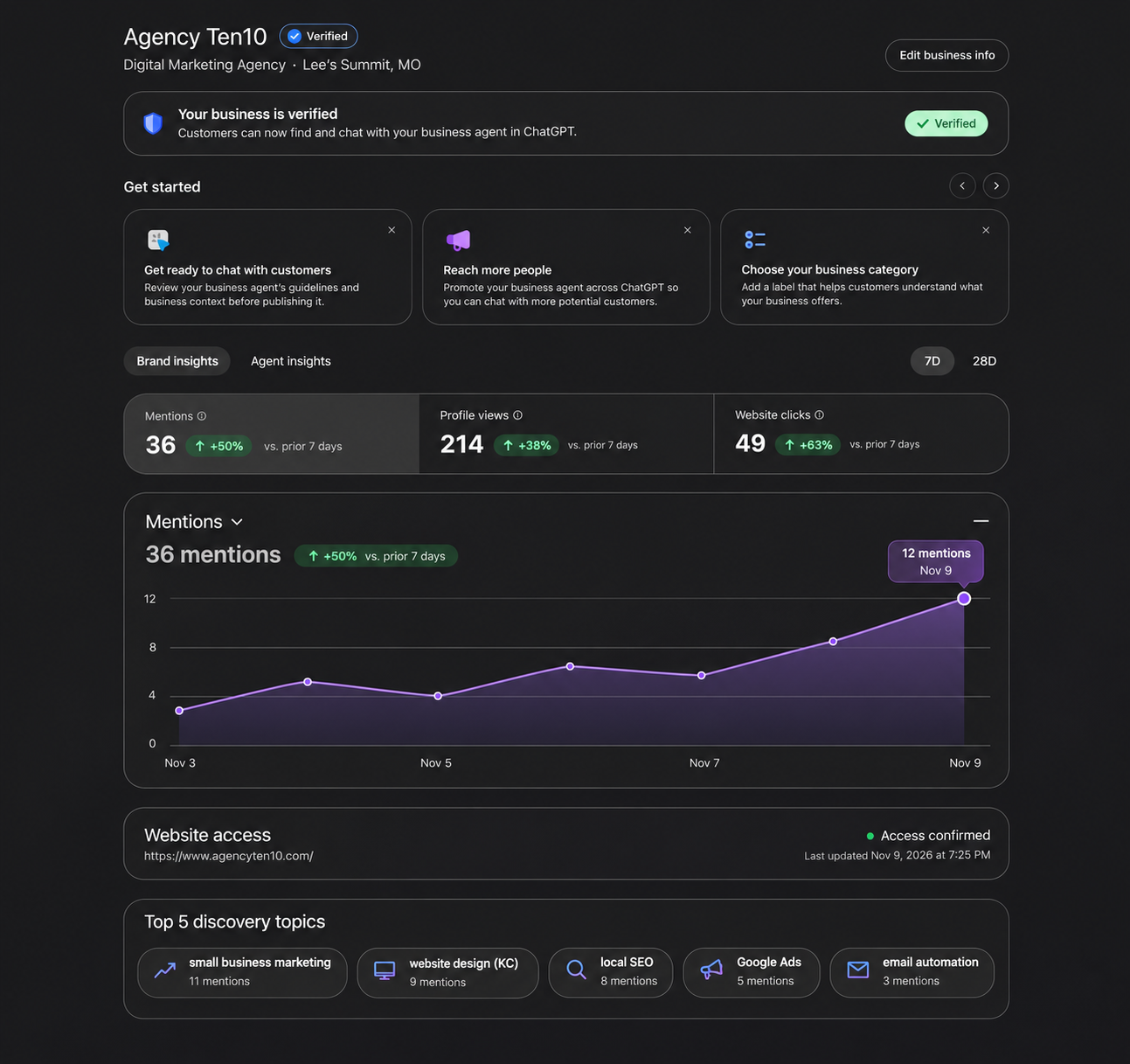
Analytics can help you understand whether people are finding and engaging with your business profile. Depending on the features available, look for patterns such as:
- Profile views or discovery activity
- Questions or topics connected to your business
- Clicks to your website or contact options
- Changes in activity after updating your profile
Use these insights as directional guidance rather than a complete marketing report. Compare them with website traffic, calls, form submissions, and conversions. If your profile attracts attention but produces few inquiries, review your messaging, services, calls to action, and website experience. Our visibility audit can help identify gaps across your broader online presence.
A practical online presence checklist

To get the most from ChatGPT business profiles:
- Claim and verify the correct business listing.
- Keep contact details and hours accurate.
- Use a clear, customer-focused description.
- Review analytics regularly.
- Connect profile activity to your wider digital marketing strategy .
For Kansas City small businesses, this is a practical time to check how your company appears across every major discovery channel. Start with the profile, then make sure your website and supporting listings tell the same clear story. If you need help deciding what to update first, contact Agency Ten10 for a thoughtful next step.